No. 03 Metronome
Keeptime
A mechanical metronome for iPhone and iPad.
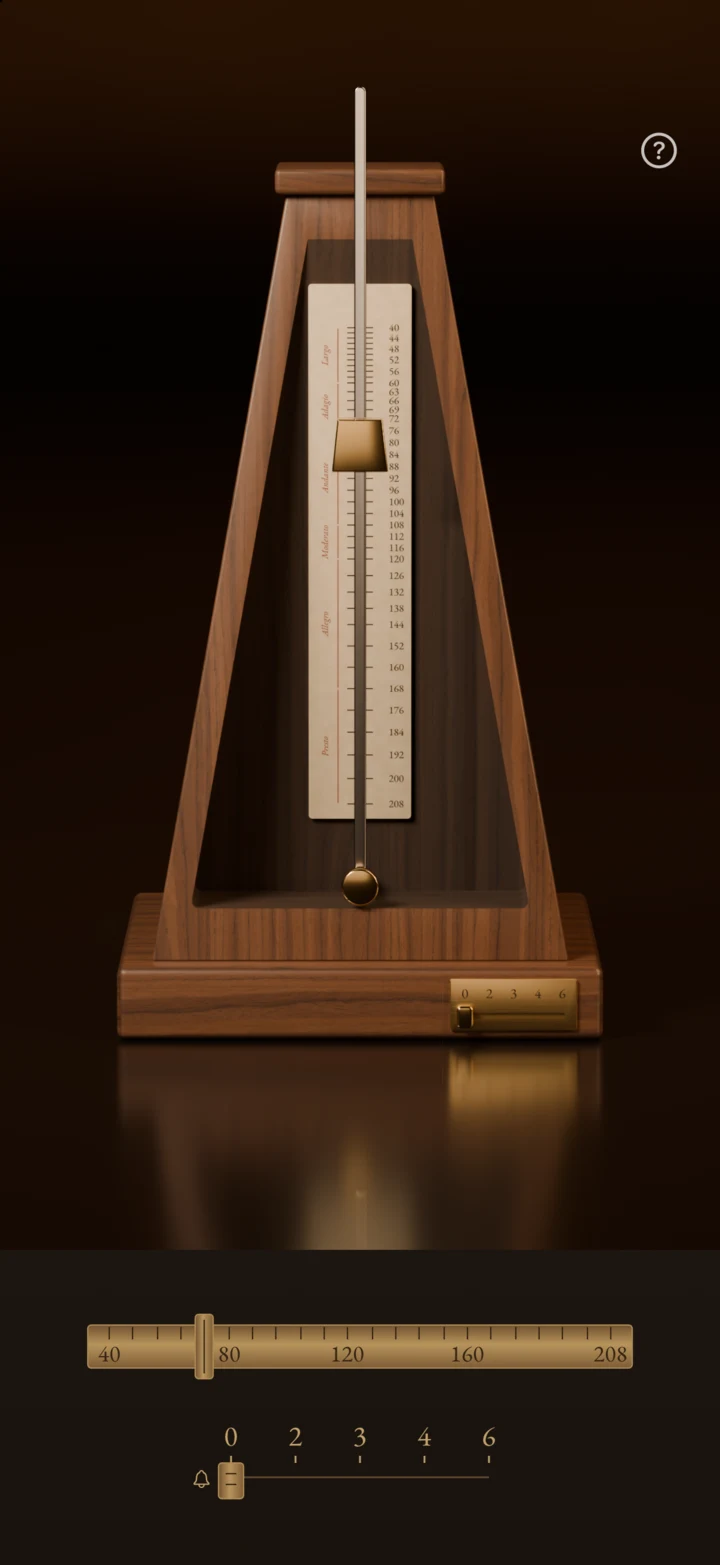
Tap the rod to start. Slide the brass weight to set the tempo. 40–208 BPM, with an optional beat bell.
Not yet released · iOS 18 or later
Silent preview
Slide the weight.
Higher on the rod swings slower, as on a wind-up metronome. The weight here sits where the app's scale puts it, for every tempo from 40 to 208.
Tap the pendulum to stop or start it. This page makes no sound.
- Tempo
- 40–208 BPM
- Bell, every
- 2 / 3 / 4 / 6 beats
- Devices
- iPhone & iPad
- First release
- Planned as free
How to use
Start and stop
Tap or gently push the pendulum rod to start. Touch the moving rod to stop it.
Set the tempo
Slide the brass weight along the rod, or use the ruler at the base for 1-BPM adjustments. The exact tempo appears when you touch the ruler.
Choose the bell
Set the lower lever to ring every 2, 3, 4 or 6 beats. Move it to 0 to turn the bell off and keep just the tick and tock.
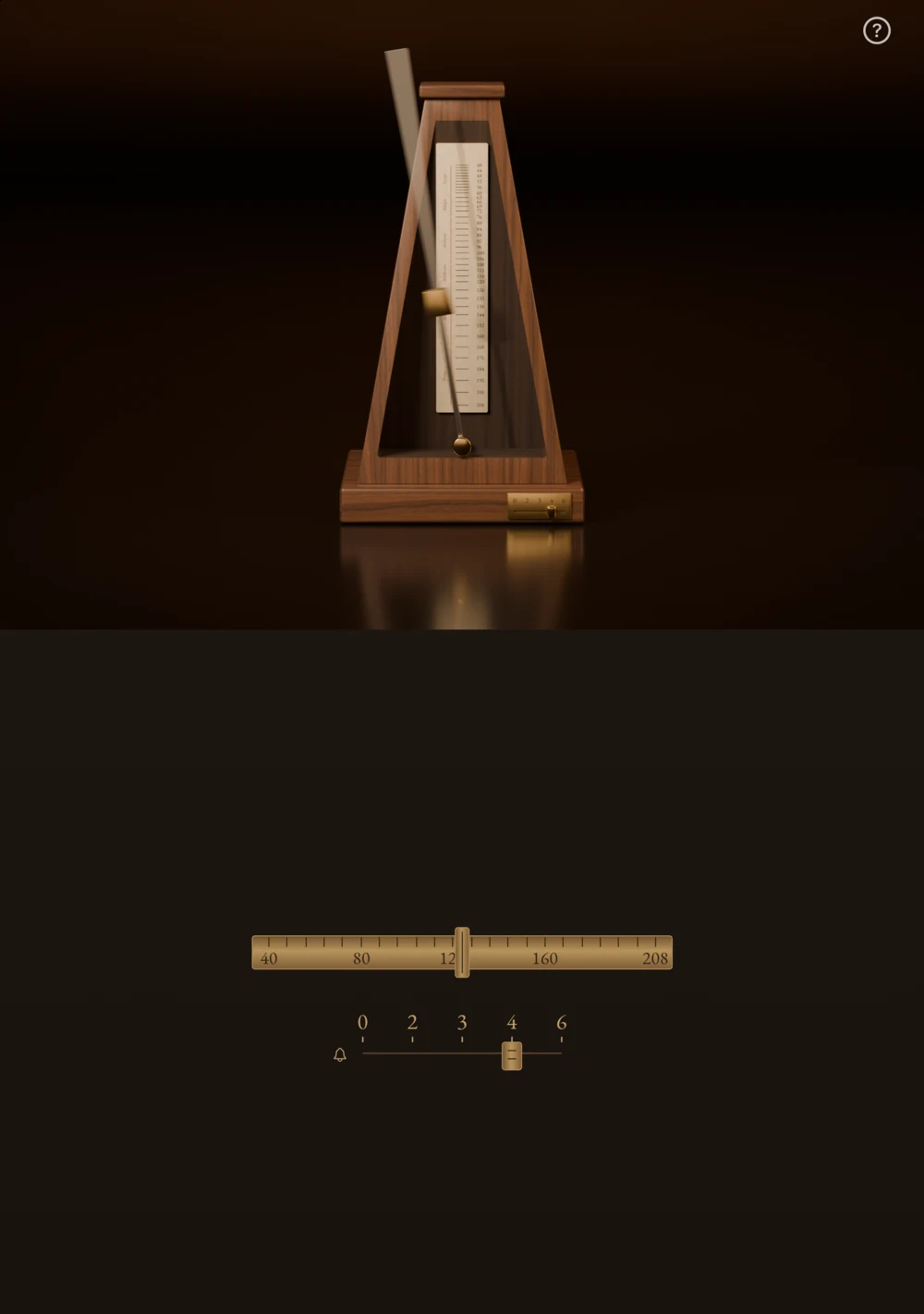
iPhone Duo tabletop fold
Half-fold iPhone Duo horizontally on a desk. The pendulum stays on the upper screen; the tempo ruler and bell lever sit on the lower screen.
On a regular iPhone or iPad, the same controls sit directly below the metronome.
FAQ
Keeptime is not yet released. For support, email
contact@rubycat.coThe App Store link will be added once it is available.
The app works offline, with no accounts, ads, analytics or tracking. It collects no personal data. Tap the question mark in the app for the full guide.
Read the privacy policy- Can I read a score in another app while it plays?
- Yes. The beat continues when you switch apps or lock the screen. You can also play and pause from the Lock Screen or Control Center.
- What happens when a call comes in or headphones disconnect?
- The metronome stops and does not resume on its own. Start it again manually when you are ready.
- Will it remember my last tempo?
- Yes. Your last tempo and bell setting are saved on your device. They are restored when you reopen the app, without starting playback.